The Ultimate Guide to HTML to Image Converters
Best HTML to Image Converters with Complete Guide
Page Content:
- Why You Need a Reliable HTML to Image Converter
- CloudxDocs Online HTML to Image Converter (Top Recommendation)
- PDFCrowd
- CloudConvert
- How to Use Online Converter to Save Webpage in Image Format
Converting HTML into images has become an essential step for developers, designers, marketers, and documentation creators. Whether you are generating website previews, creating visual assets, capturing UI snapshots, or automating export workflows, choosing the right HTML to Image Converter can save significant time and guarantee high-quality results. This guide explores the top tools available today highlighting their features, ideal use cases, and why CloudxDocs stands out as the most powerful and effortless option.
Why You Need a Reliable HTML to Image Converter
HTML content is dynamic and often complex. Screenshots from browsers may be inconsistent, low-resolution, or impossible to automate. A dedicated HTML to Image converter gives you stable rendering, crisp output, batch processing capabilities, and predictable formatting across devices. Whether you’re a developer generating UI snapshots or a marketer capturing landing page previews, having a reliable converter ensures accuracy and efficiency.
To help you choose the right solution, the rest of this article will introduce several popular online HTML-to-image converters. Whether you need quick webpage snapshots, batch-generated UI previews, or highly accurate rendering results, these tools can significantly streamline your workflow.
1. CloudxDocs Online HTML to Image Converter (Top Recommendation)
When comparing different HTML to Image tools, the ability to handle complex layouts, responsive styling, web fonts, and dynamic scripts become crucial. Many converters fall short when dealing with animations, embedded media, or modern CSS features. This is where CloudxDocs enters the spotlight. Before exploring other tools, let’s start with the one that consistently delivers pixel-perfect results and offers the speed, stability, and convenience today’s users expect.
CloudxDocs Online HTML to Image Converter is a powerful, browser-based tool designed for both casual users and advanced developers. It transforms any HTML, URL, or webpage into high-resolution PNG or JPG images with exceptional accuracy. No installation, no setup—just paste your HTML or link and get the image instantly.
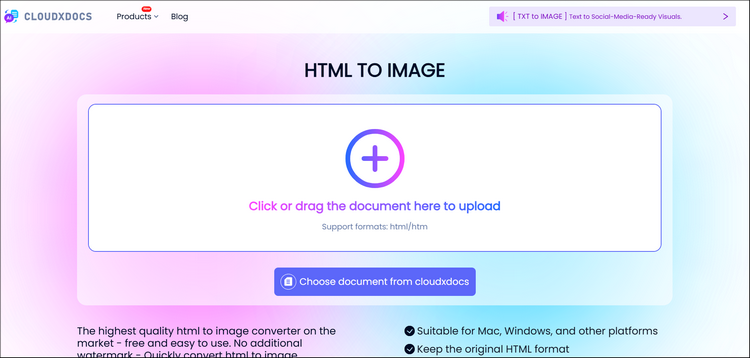
Key Advantages:
- Accurate Page Capture: Faithfully reproduces modern layouts, animations, and interactive elements.
- Full-Page Support: Handles long pages, scrolling content, and extended layouts with ease.
- Browser-Effect Support: Preserves transitions, hover states, and other style-driven effects.
- Stable Rendering Output: Ensures the final image aligns with your intended design across various content types.
- Fast Processing: Converts your HTML to images in seconds so you can move faster.
2. PDFCrowd
After exploring a top-tier solution like CloudxDocs, it’s helpful to review other tools in the market and understand where they fit in. While they may not provide the same level of rendering accuracy or processing speed, many alternatives offer simple, lightweight functionality suitable for quick or basic tasks. These tools are often preferred by users who need casual conversions without advanced requirements such as responsive layout support or high-resolution exports.
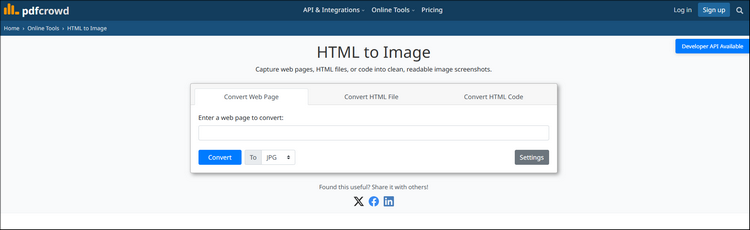
PDFCrowd is a simple online converter focused on basic HTML and webpage snapshots. It handles standard layouts decently but may struggle with interactive or script-heavy pages. The interface is straightforward, making it suitable for quick, occasional conversions.
3. CloudConvert
For teams that need automation or workflow integration, API-driven converters offer a more technical path. They let developers generate images programmatically, making them suitable for large-scale or scheduled tasks. While this approach provides flexibility, the results can differ depending on how well each tool handles today’s dynamic, script-heavy webpages—so it’s worth balancing convenience with reliable output.
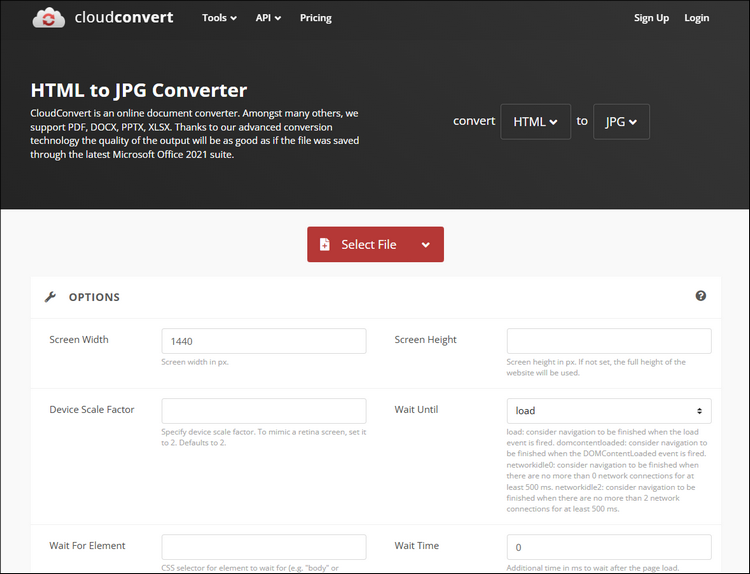
CloudConvert extends this API-first flexibility with a straightforward HTML-to-image service. It lets developers submit a URL or HTML content and receive a rendered image in return, making it easy to plug into backend systems, reporting pipelines, or automated capture routines. Its API is simple to work with, supports a variety of formats, and is designed for consistent, predictable results across different types of webpages.
These tools offer simple URL-to-PNG conversion. Most provide full-page screenshots but rely on basic rendering engines. They are suitable for quick, non-critical tasks but limited in terms of reliability and customization.
How to Use Online Converter to Save Webpage in Image Format
Now that we’ve reviewed the major online HTML-to-image converters and their strengths, the next step is understanding how to actually use these tools in your workflow. In the following section, we’ll walk through the general process of converting a webpage or HTML file into an image using an online converter. While each platform’s interface differs slightly, the core steps remain consistent and are easy to follow.
Step 1. Open the official website of CloudxDocs Online HTML to Image Converter. You can drag or click to upload your HTML files.
Step 2. CloudxDocs will automatically begin file analysis and coming conversion process.
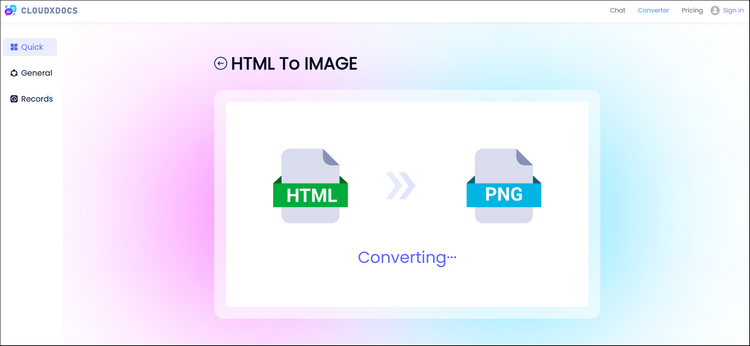
Step 3. After conversion, click the “Download“ button to save the zipped image files to your local file location.
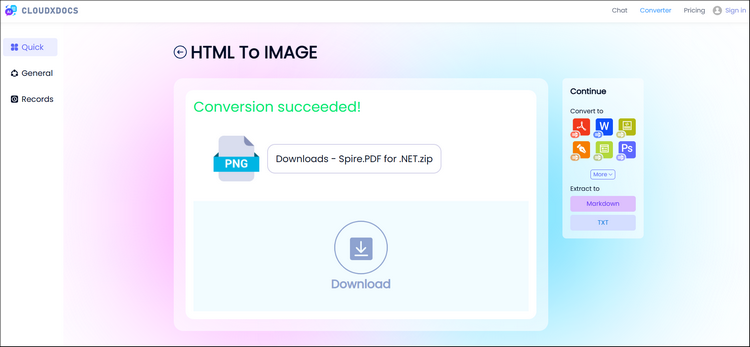
Step 4. After downloading the .zip file to your local file location, don’t forget to unzip and double check the conversion result.
Conclusion
Choosing the right HTML to Image Converter depends on your output needs—whether you want pixel-perfect rendering, fast online conversion, automation, or simple snapshots.
Among all available tools, CloudxDocs Online HTML to Image Converter offers the best balance of accuracy, speed, and ease of use, making it ideal for developers, designers, marketers, and everyday users who need reliable image output.